
Problem
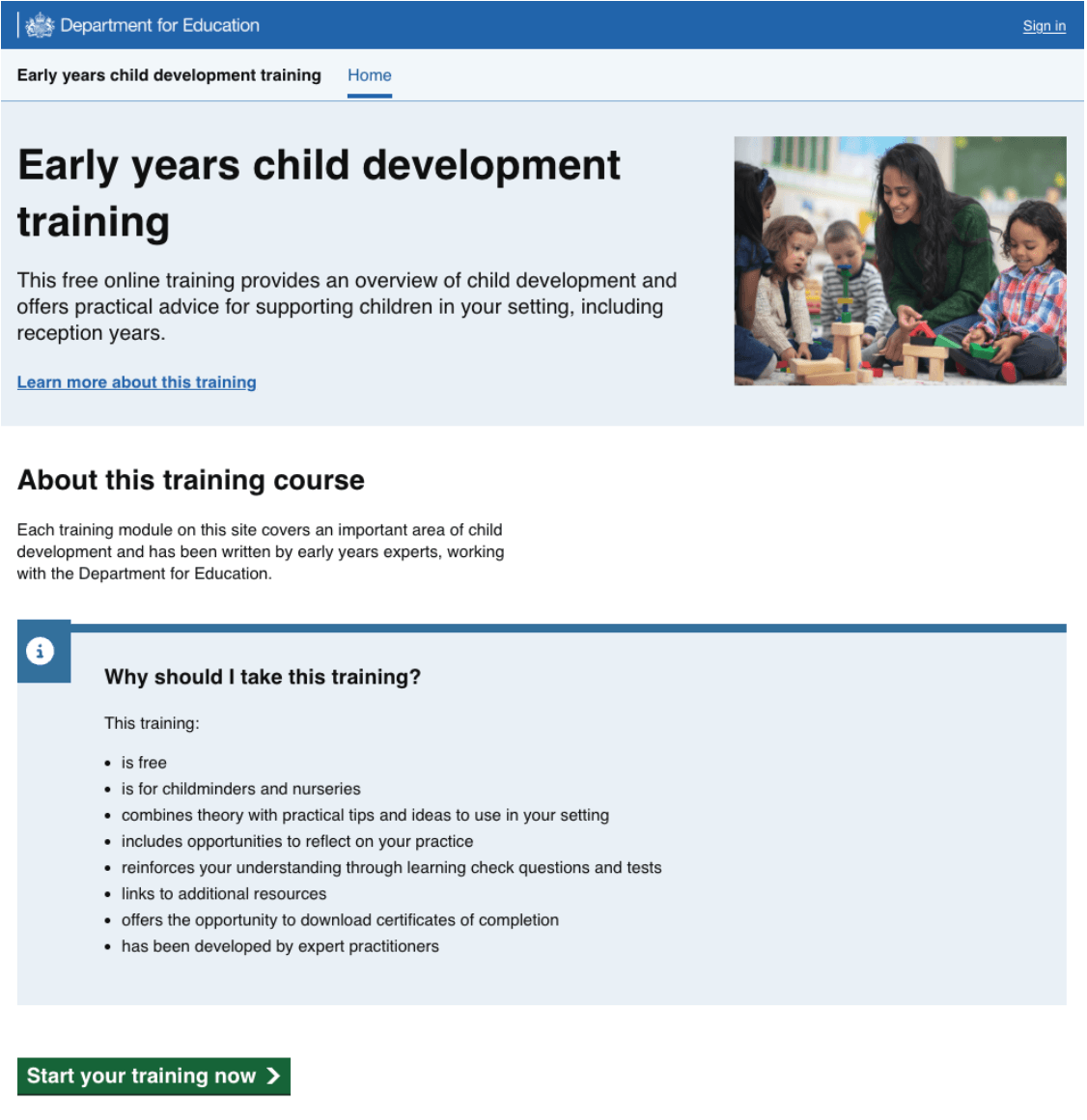
The Early years child development training was originally designed for nursery and childminders. We’re now adding content to make it more useful for reception teachers and teaching assistants. This gave us a chance to improve the homepage and make sure it works well for reception staff too.
Our approach
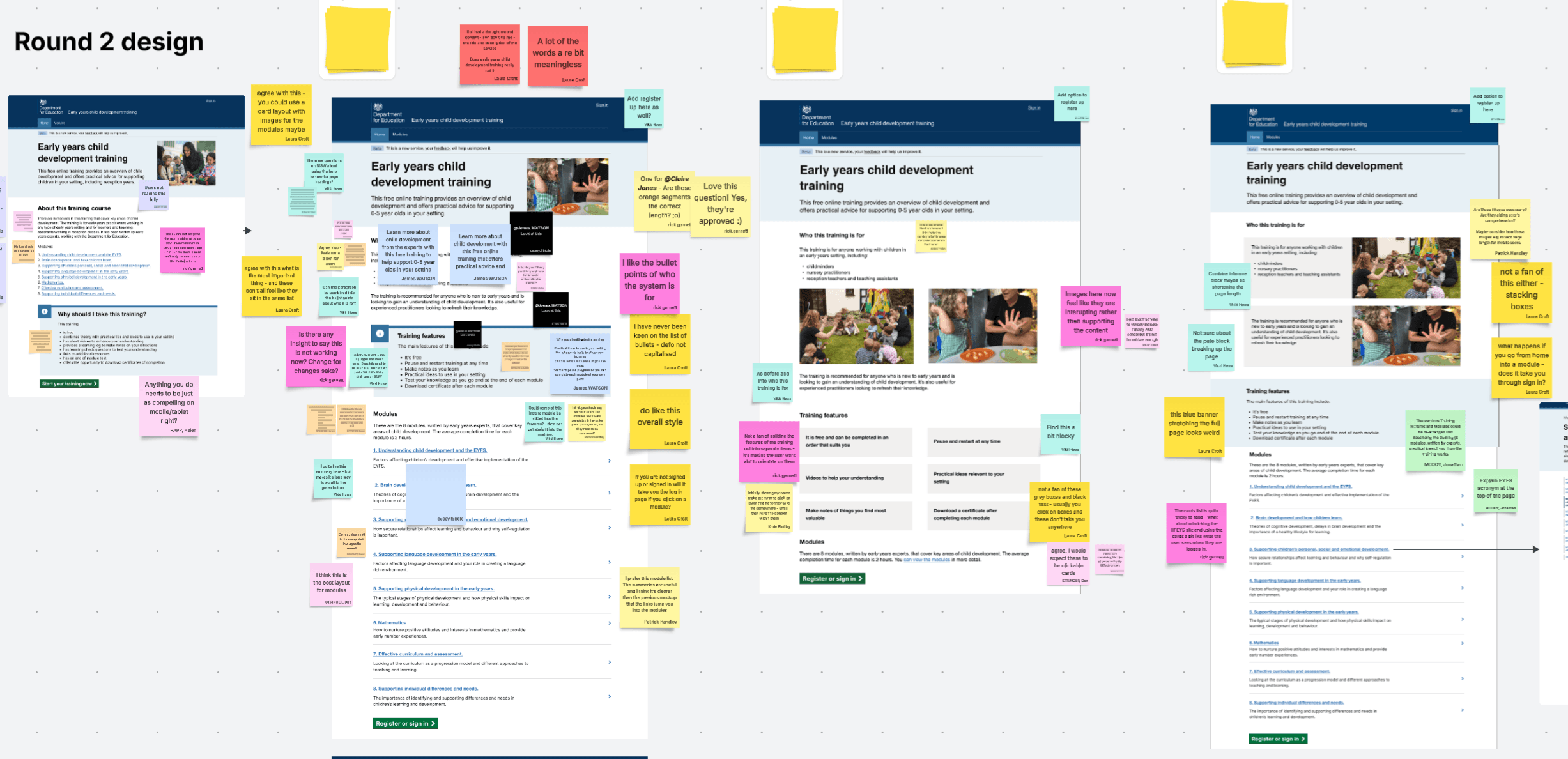
We ran 3 rounds of research on the homepage, along with testing the new content for reception practitioners. This included some A/B testing with different designs. After each round we did some Homepage design critiques to review the user research and design options.
User research round 1
In round 1 of user research, we did some interviews with reception teachers and teaching assistants and showed them the existing homepage. There were some key insights for us to improve the homepage and module page.
Homepage:
- to appeal to reception TAs, we need to signal the emphasis on SEND within the training on the homepage
- have clear acknowledgement of reception teachers and reception teaching assistant
Module page:
- allow users to see the module content layout without having to register
User research round 2 and 3
In these rounds we tried different content and layout iterations. We tested the information architecture of the page and button placement.
We added more detail to the module pages to show what users would see after signing in. This had more detail about the topics within the modules and a breakdown of the modules. This did not test very well as there were no images, and it was seen as too much information.
Analytics showed the about this training page had 1700 page views in October. So, we decided to add this back in and update the content.
Updated homepage
Summary of the final Early years child development training homepage updates:
- who this training is for added to the top of the page to make it clear the training is also aimed at reception practitioners
- modules overview added to the homepage using a 3 x 3 DfE card component which was a hybrid of version prototype A and B that allowed us to add a short summary of each module on the homepage.
- reviewed and updated the images to add some reception setting images
- modules added to the global navigation when signed out
- content updates and clear on the benefits of the training
Next steps
Module page design updates
We plan to update the Modules pages content to reduce some of the duplication of content and add a primary button to each module. However, the way the content has been set up in Contentful requires development input. We have a ticket in the backlog to work on this, but it is not a priority. Design changes will include:
- explain why it is important for reception practitioners to understand child development
- remove duplication of content on the module pages
- add ‘Register or sign in’ button on every module page
Monitoring analytics
The new homepage was published on 28.01.26 and we are monitoring the analytics on the homepage. So far registrations have stayed around the same as the previous designs. User research showed users will likely register from the individual module pages. However, this was from a small sample size so we can use analytics to get a more accurate picture.