
In order to sign in or create an account, we send users a confirmation code by email.
But we did not design a way for users to request another confirmation code, if they do not receive one.
We also wanted to avoid users creating an account before they know if they’re eligible to use the service.
So we:
- added a way for users to request another confirmation code
- changed the way users access the service, depending on whether they have an account or not
How it works
We first ask users if they have an account or not.
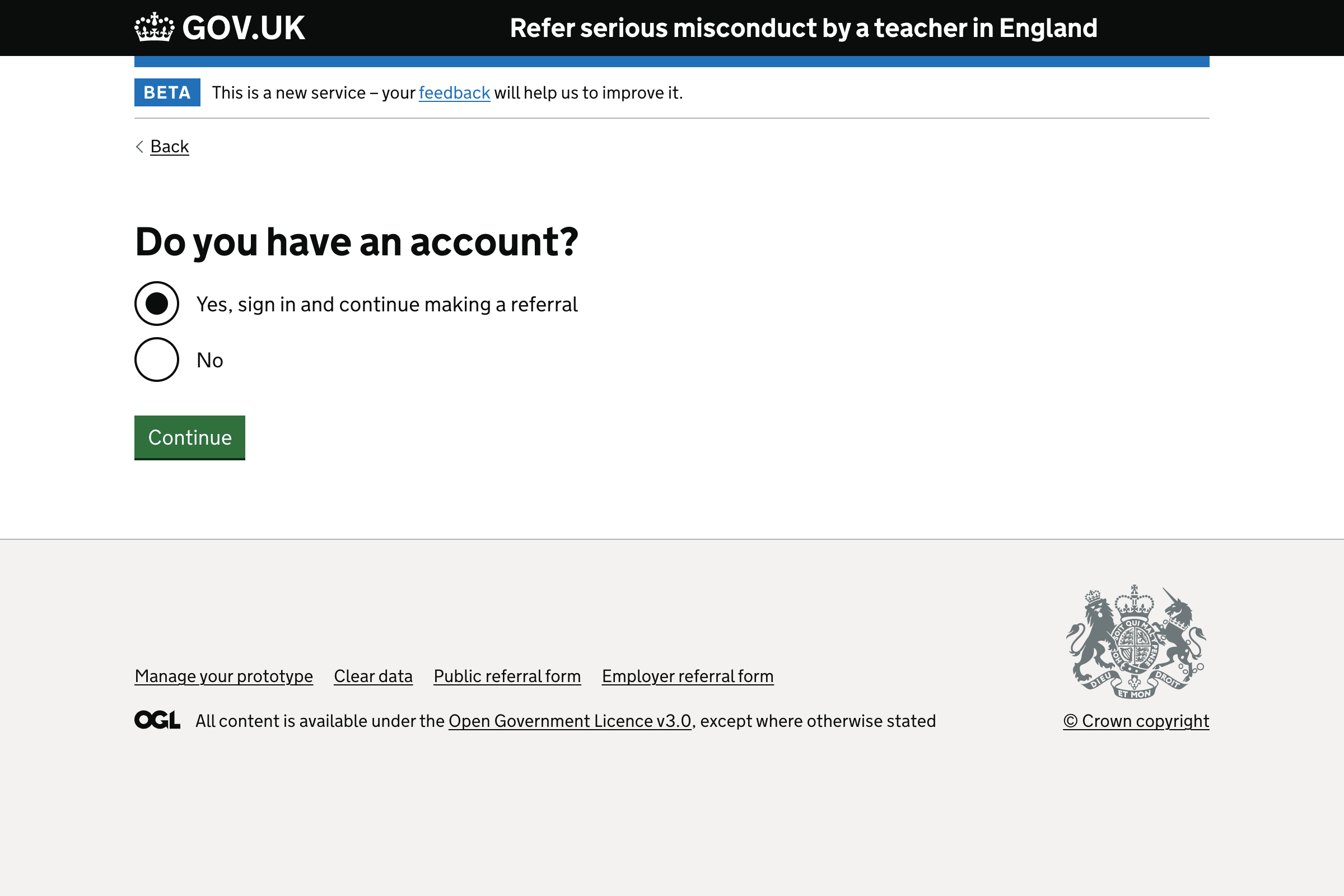
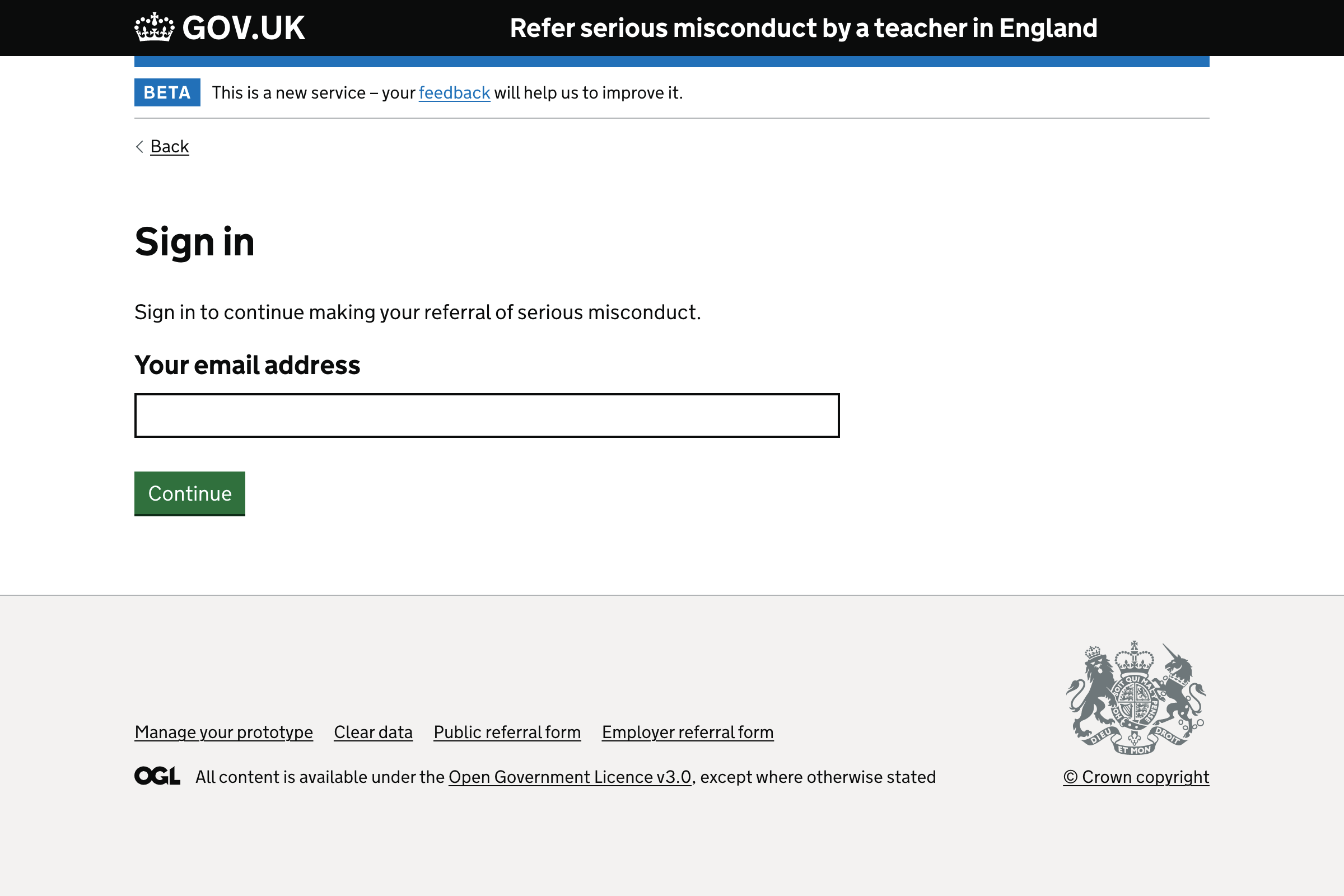
If the user has an account
We ask them to sign in to continue making their referral of serious misconduct.
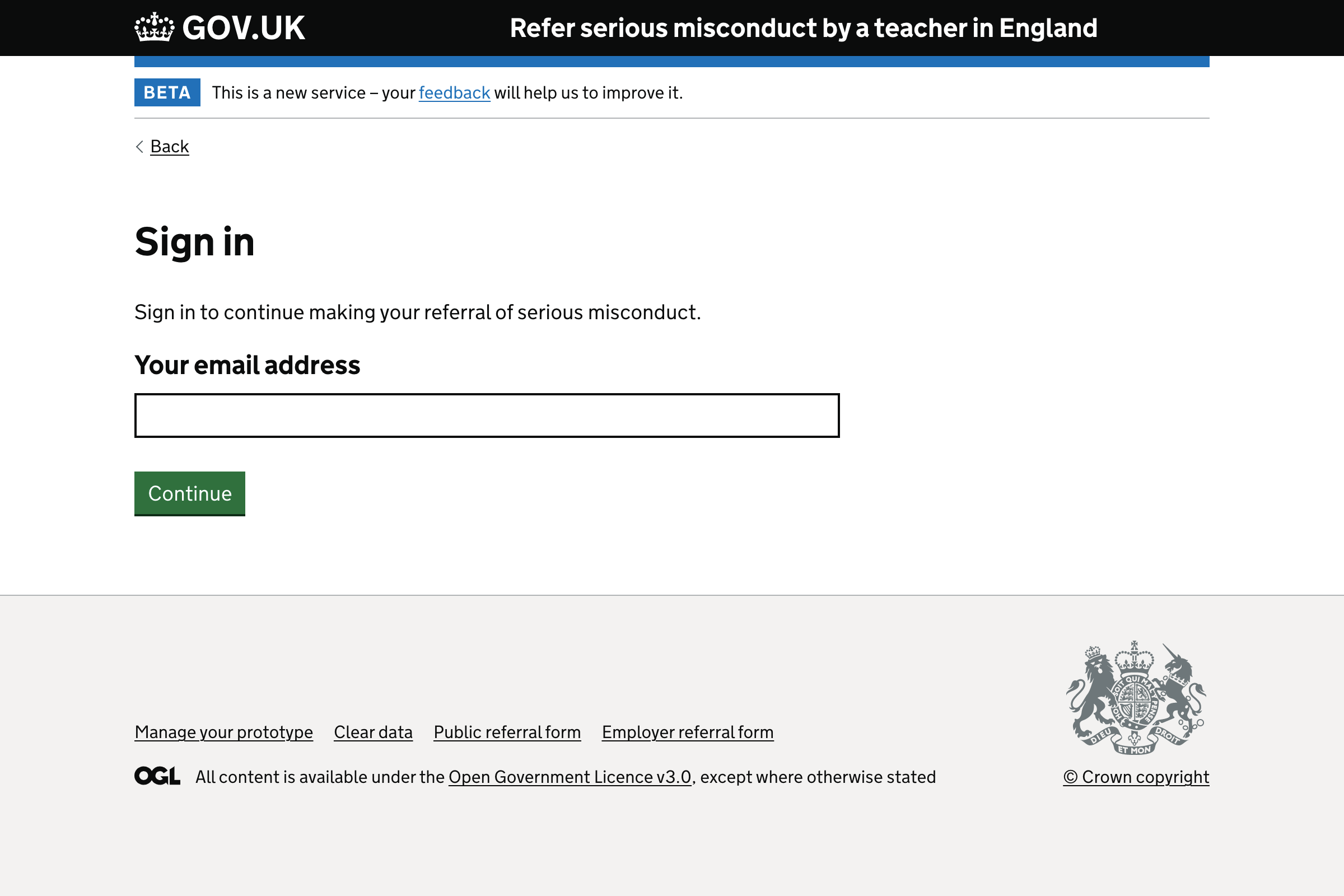
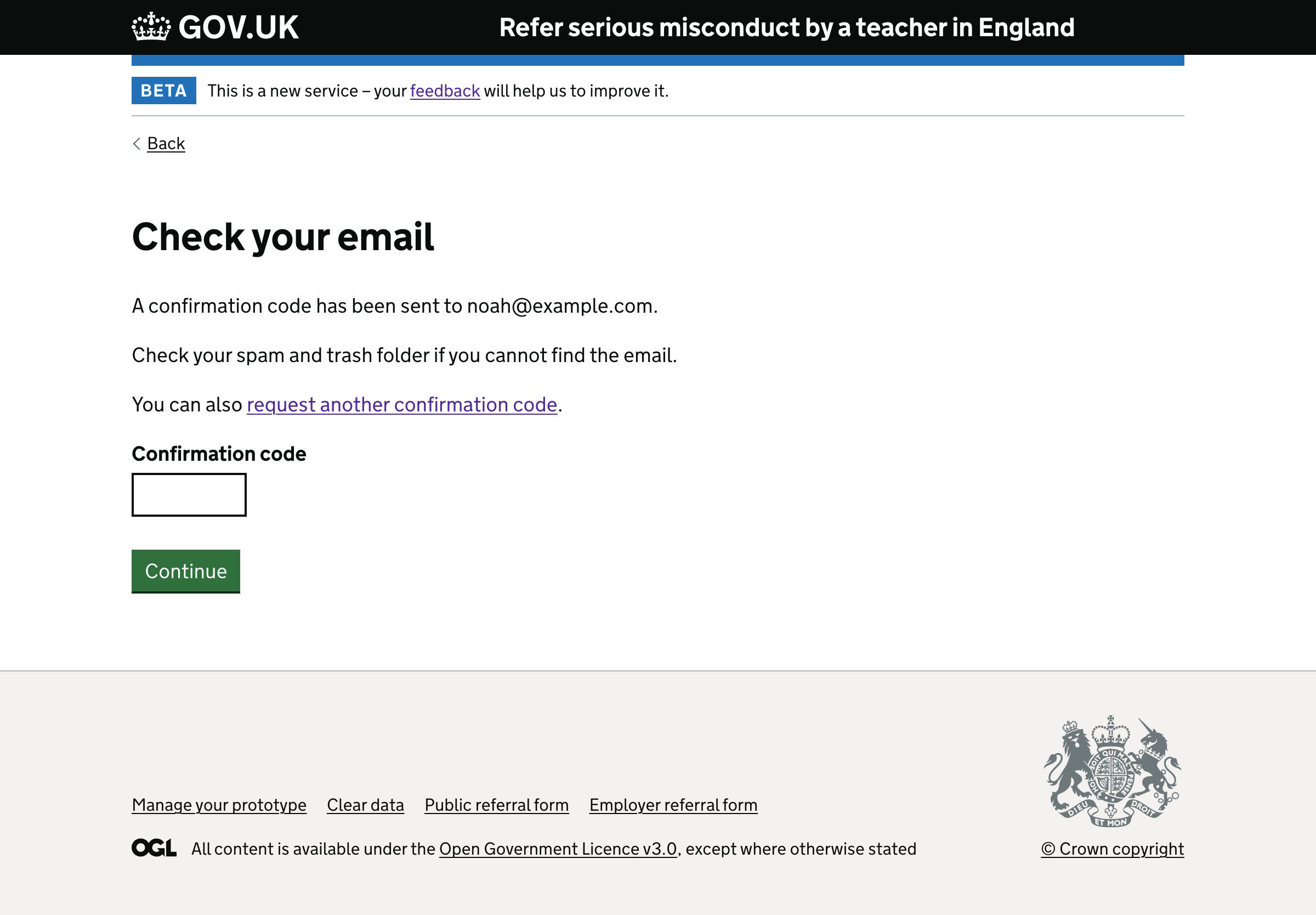
After the user enters their email address, they’ll be taken to the ‘Check your email’ page.
They’ll be sent an email containing a confirmation code.
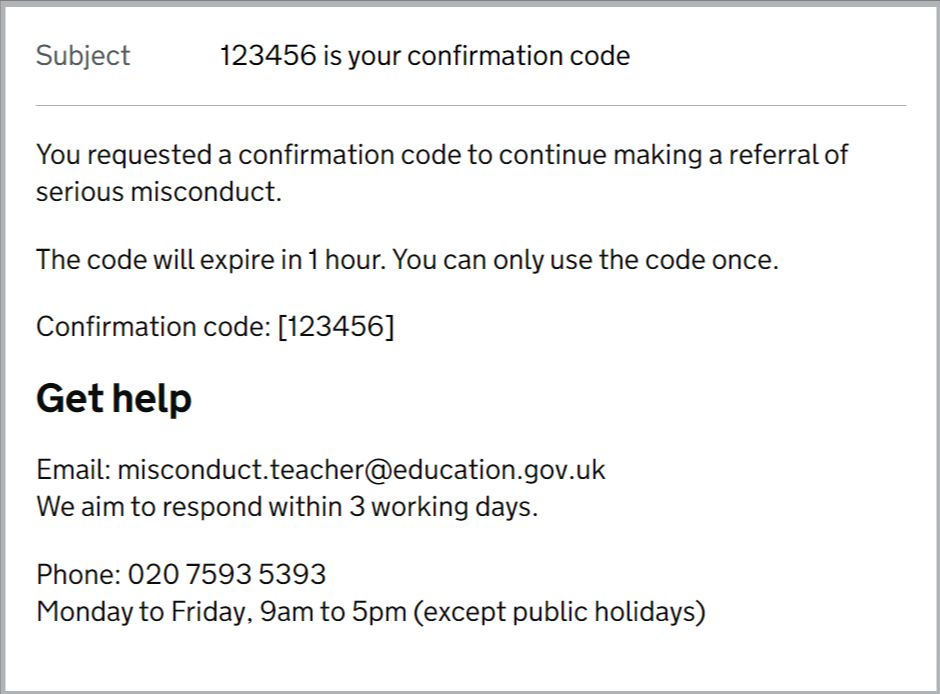
Submitting the confirmation code will sign the user in and take them to the task list page.
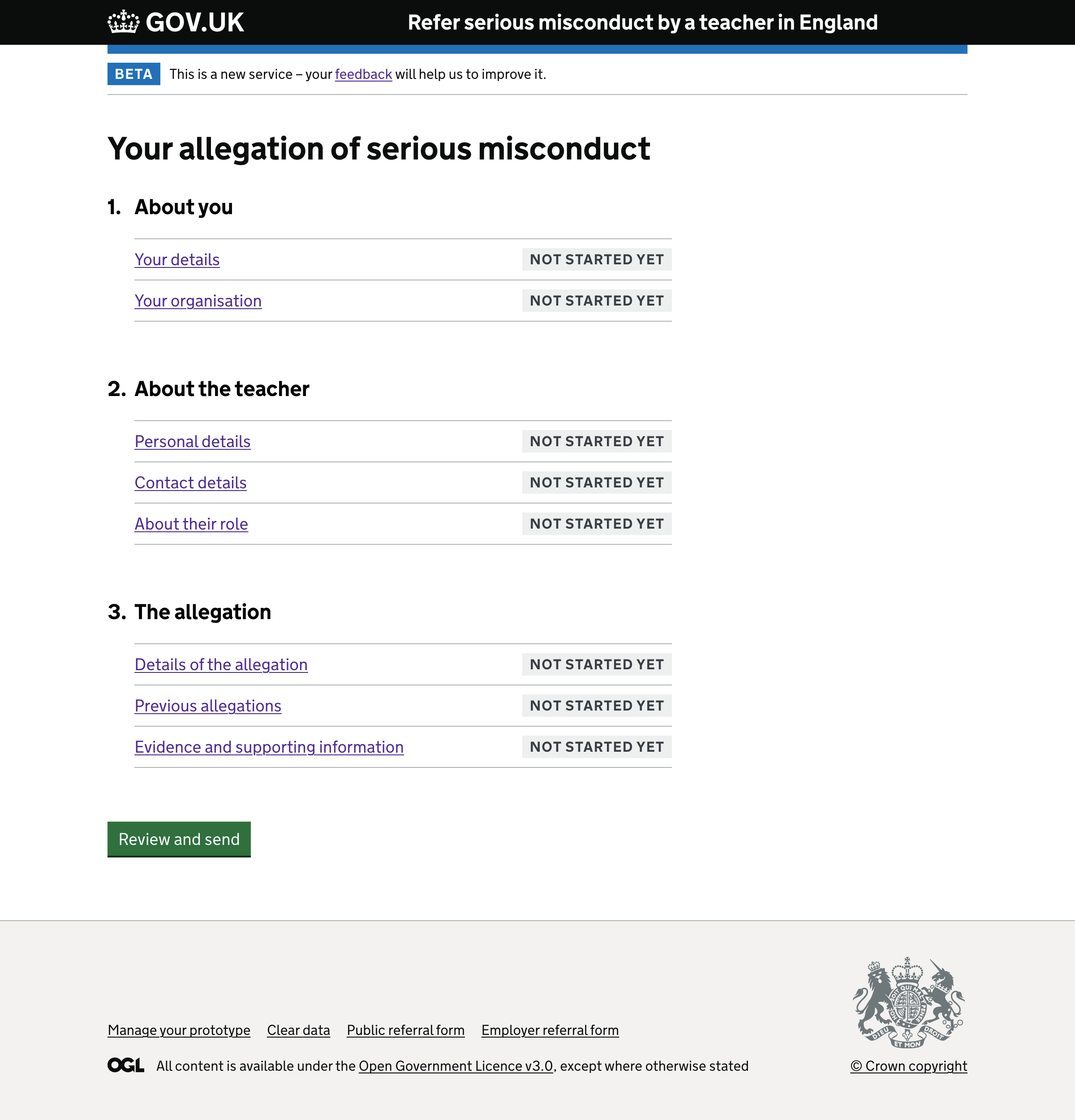
Users can select ‘request another confirmation code’ on the ‘Check your email’ page if they do not receive the first one.
If they do, they’ll be taken to the screen to enter their email address again.
If the user does not have an account
We ask the user a series of questions to find out if they’re eligible to make a referral of serious misconduct.
This means that:
- users are not asked to create an account before we know they’re eligible
- we do not have to store users’ email addresses if they’re not needed
Once we know they’re eligible to use the service, we ask for their email address.
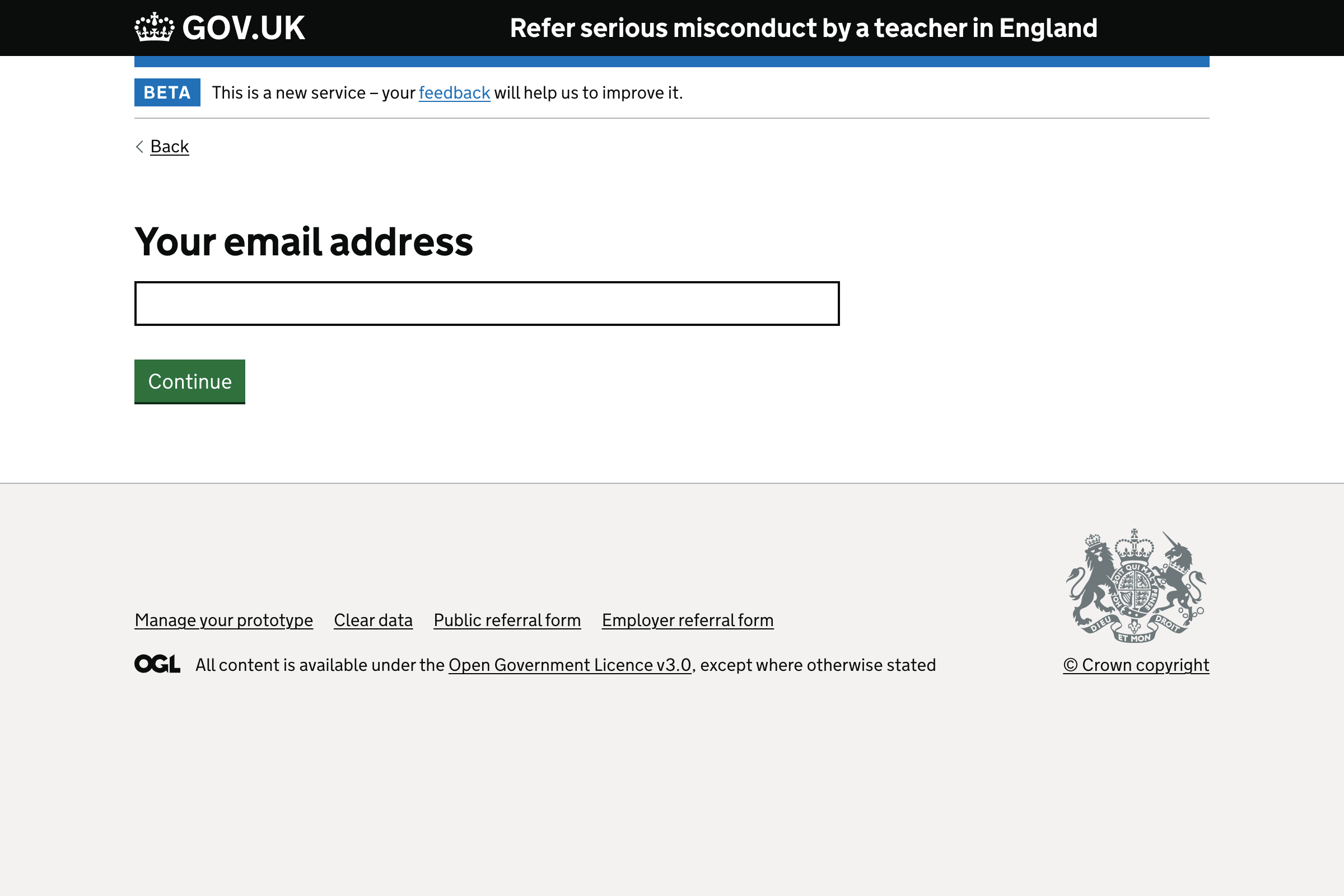
The user is then taken to the ‘Check your email’ page to enter their confirmation code and sign in.
If the user selects that they have an account - but they do not
After entering their confirmation code, they’ll be asked the eligibility questions first.
This means they will not have to provide their email address unless they’re eligible to make a referral of serious misconduct.
If the user selects that they do not have an account - but they do
They’ll be taken through the eligibility questions.
Further considerations
We’ll consider future user research to confirm that:
- the “I’m not sure” option is not required when asking if a user has an account
- we do not need help text explaining why a user must provide their email address when creating an account