
Why create design handover documentation?
Design handover documentation acts as a vital bridge between designers and developers. It includes the assets, specifications and user journey information needed to ensure a design can be built accurately and efficiently.
Everything provided to developers needs to be clearly labelled and specified, to avoid misunderstandings and speed up development.
Giving developers early designs to work at pace
Producing the full design handover documentation takes time. To get build work started quickly and work within time constraints whilst we were still in the design process, we initially gave developers some early, lighter-touch documentation to enable them to build features we were confident in.
For example, we were confident that we wanted to take a ‘hub and spoke’ approach – a hub page with links to multiple child pages - because operational colleagues and our subject matter experts expressed a clear preference for this. It also supported our key goal of creating a scalable pattern.
This meant we could hand over the concept of a funding information hub page with child pages for allocation statements, schedules and payment histories at a high level, before we finalised user research synthesis and added final detail to the designs.
Using Figma to create detailed documentation for build
Once our designs had been validated through design crits and user testing, we began to gather the assets needed to provide documentation for our minimum valuable product (MVP) in Figma.
We use Figma because it allows us to:
- create more accessible visual annotation than in code
- explain how each component works, for example, showing what happens when data changes or there is a change of state
- link supporting research insights and service design resources to design iterations
- comment directly on the designs so we can discuss them with all team members
- export final designs to PDFs, so they can be shared with non-users of Figma and stored in our project SharePoint
The documentation we provide to developers includes:
- a summary of the feature being delivered
- high-level user needs and validated assumptions
- detail of the rules and logic for the feature
- detail about the components and styles used, with links to the design system that they come from
- accessibility considerations
- location of the feature in the existing user or service journey
- links to supporting documents, for example user research playbacks
- an overview of design iterations, rationale and supporting research
- accessibility considerations
- annotations of the hardcoded and data-driven elements of the feature
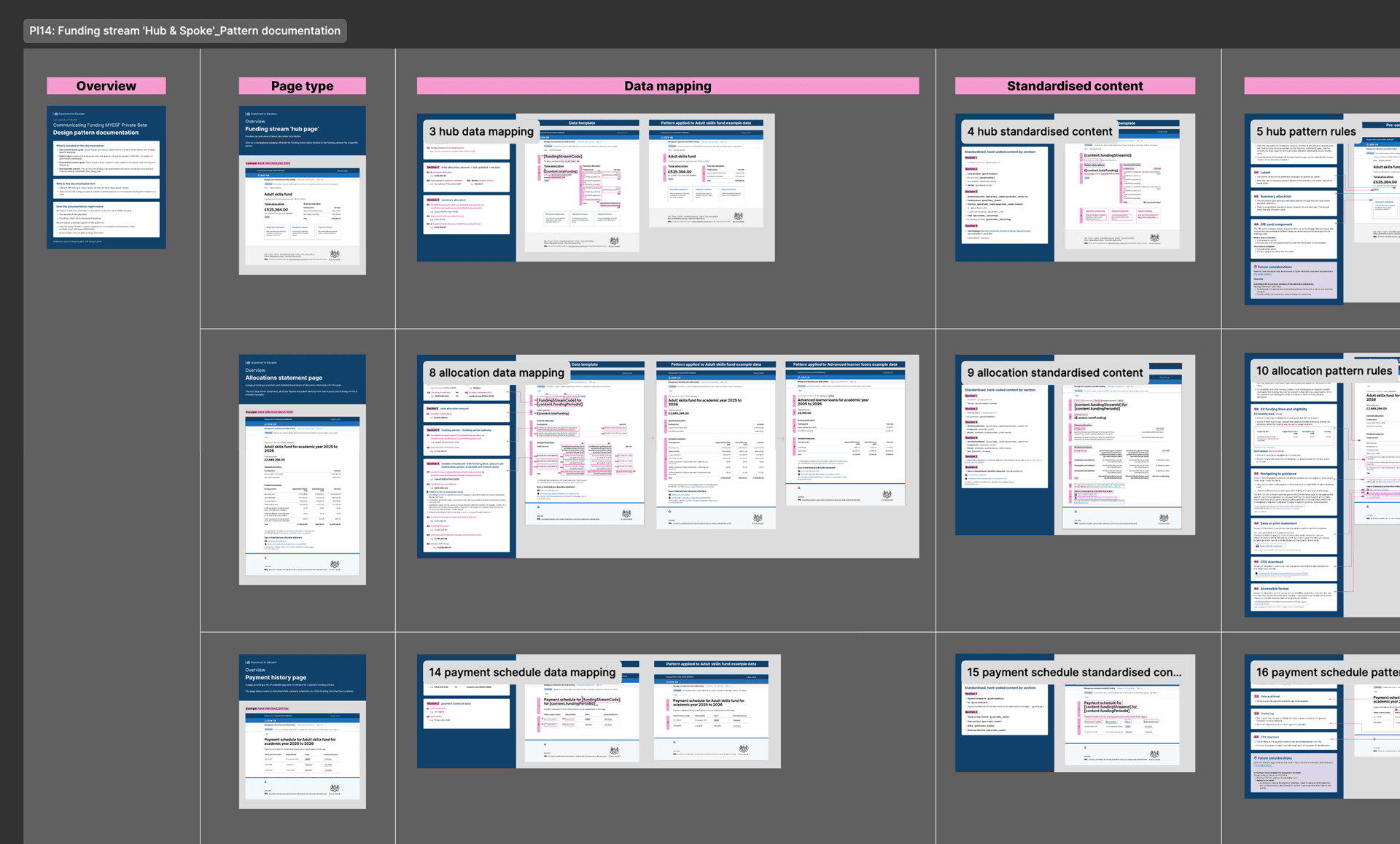 A screenshot showing a zoomed-out example of design documentation in Figma.
Post-build documentation for a wider audience
We also produced comprehensive documentation to help build capability within the funding service more widely. This documentation is intended for anyone to pick up and understand what work we have done, why and how it’s been built technically.
We want to make it easier for future teams to pick up and roll out our scalable pattern, whether it’s to add new funding streams to MYESF, or design other funding-based services in a more data-driven way.
This documentation includes:
Design handover:
- an overview of the work we planned and delivered
- user needs addressed
- scope (in and out)
- related links
- iterations tested (with visuals)
- research insights and recommendations
- annotations of changes across iterations
- components and styles used
Technical handover:
- data transformation guide (with examples)
- pattern rules (for adult funding statements MVP)
- standardised content guide (hardcoded content and markup)
- downloadable content (structure and file naming conventions)
We also included detailed data mapping information as it:
- gives a good high-level view of the extent to which the new integrated approach is data-driven
- helps technical teams to plan for and implement the new designs
We believe it will also encourage uptake of our pattern, by:
- helping senior internal stakeholders to see how the new pattern will save time and bring greater consistency to the way we present funding information to providers
- reassuring our operational colleagues that the built solution will work as expected
- showing other designers across DfE, and perhaps government more widely, how a data-driven approach can be delivered without compromising on design, accessibility and other standards
Iterating the service design pattern
Having detailed, clear documentation also enabled us to present our work at the components working group and understand if there is a use case for the data-driven pattern elsewhere in the Department for Education.
Alongside our own work on Manage Your Education and Skills funding, so far, the pattern has been referenced by:
- Manage You Education Estate – Private beta. This team have been using it to show capital funding
- Early years – Alpha
Future design ideas and opportunities
We also have a ‘wish list’ or backlog of design ideas and opportunities. These are ideas that are currently out of scope but may be useful for our future phases of work and handing over to other designers. This started as a spreadsheet and more recently has become one of the lenses of our service blueprint.