
We’ve published the first release of Deliver good DfE services. The product will eventually contain, or signpost to, all guidance teams need to deliver consistent DDT services.
Our first content goal is to migrate existing content from 16 separate manuals and sources into a single product. This amounts to more than 500 pages.
This design history post outlines the manuals and guidance we’ve moved into the first release, and the content types we are using in our content management system.
What’s included in our first release
We started with standards and assurance as we recognise this is something that everyone needs to be aware of and understand.
This included:
- Apply the Service Standard in DfE
- Create and manage DDT standards
- Find and use DDT standards
- Service assessment guidance
- Assess a service guidance
We also included product management profession guidance. This had already been developed by the Head of Product Management and product community and was ready to go in GitHub.
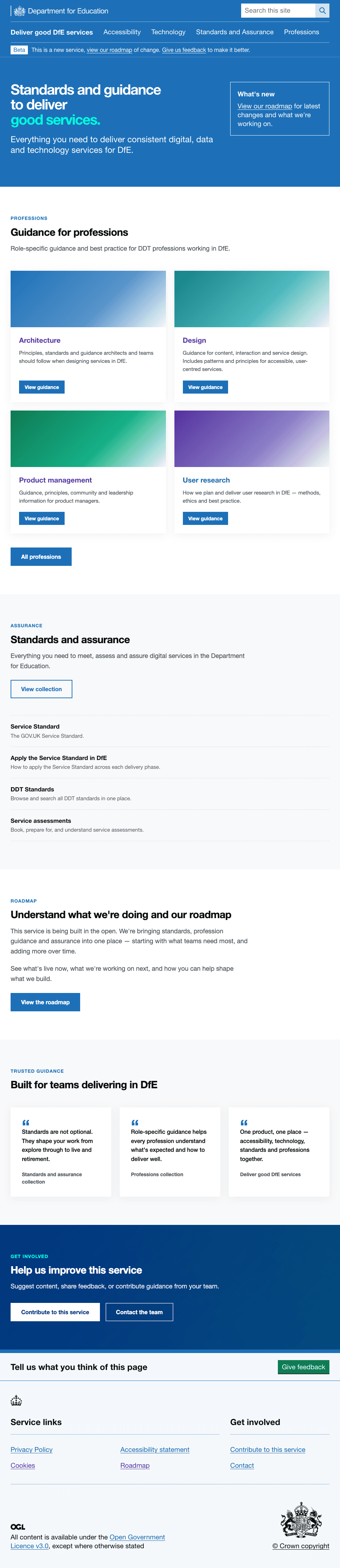
Screengrab of homepage:
Agreed content types
After a project kick-off workshop in February, we agreed content types needed for the manual.
We ran a workshop with stakeholders and subject-matter experts to map existing GOV.UK content types. This identified content we could migrate with minimal changes, using established patterns.
We also defined the metadata and tagging needed for each page, such as profession and delivery phase. We started with the collection and detailed guide types, created prototypes tailored to our product, and ran a design crit with the team and stakeholders.
Content types include:
- job description specification
- collection types
- detailed guides
- detailed guide pages
- single-page detailed guide
User research showed that guidance was spread across multiple platforms and published using inconsistent formats. Standardising content types will help create a more consistent and joined-up user experience.
Examples of content types we've used
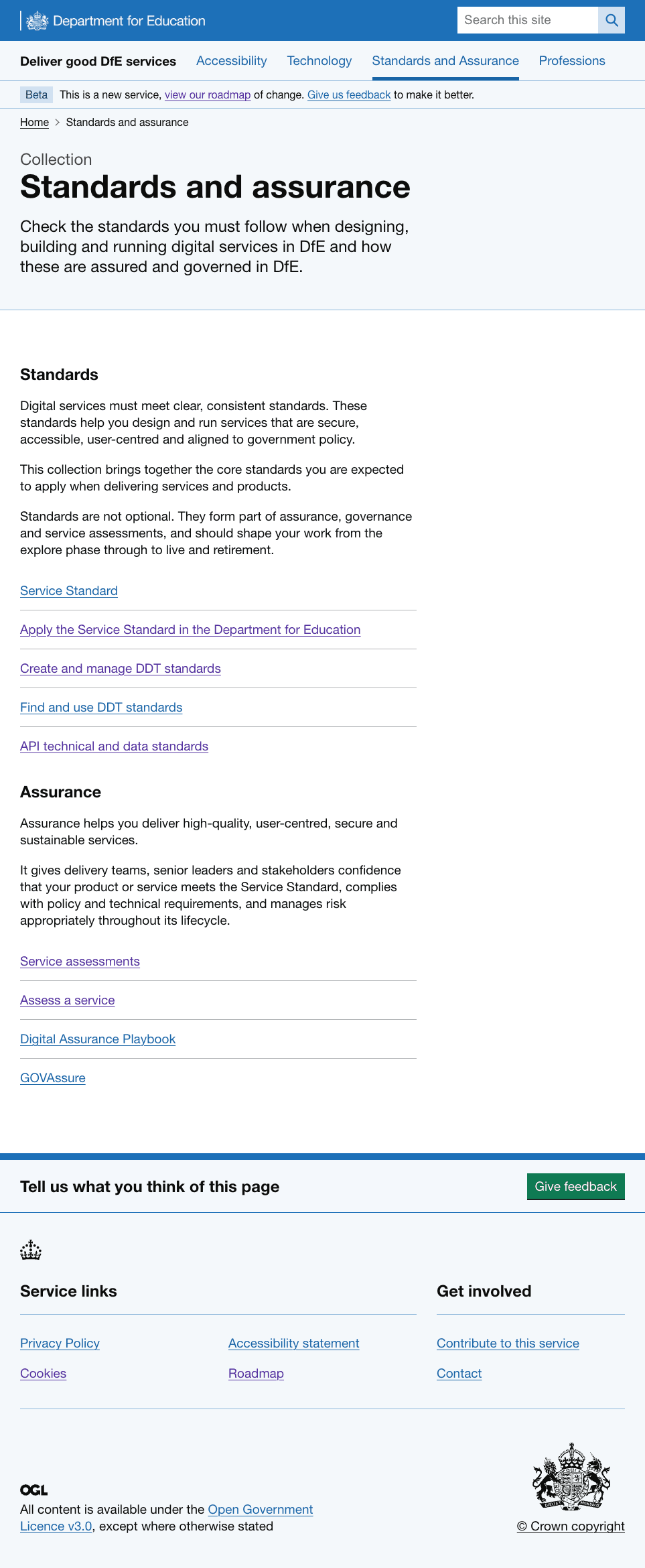
Collection type
Each topic area starts with a Collection page. Collections group related topic areas, guidance and resources.
A collection page:
- groups related guidance, standards or resources on a common topic
- includes introductory content to explain the theme and important information
- is structured into ‘collection groups’, each with a heading (H2) and description of the content in the group
- links to detailed guides, single-page detailed guides or external content
- may include a related collection link
Screengrab of Collection type example:
Detailed guide type
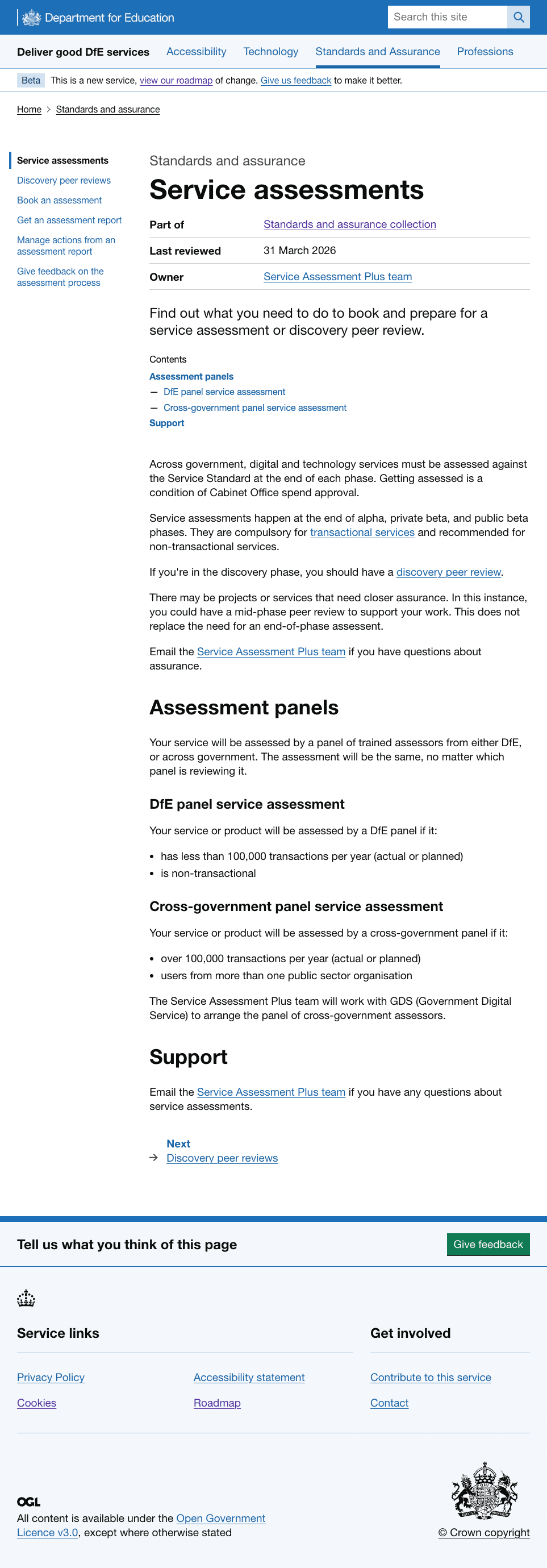
Detailed guides sit within a collection. They provide a structure for complex or broad topics across multiple pages.
A detailed guide:
- shows which collection it belongs to, the content owner and last reviewed date
- contains metadata introduction content
- lists all pages in the guide in a left-hand navigation
- includes navigation to the next page
Screengrab of detailed guide type example:
Guidance page types
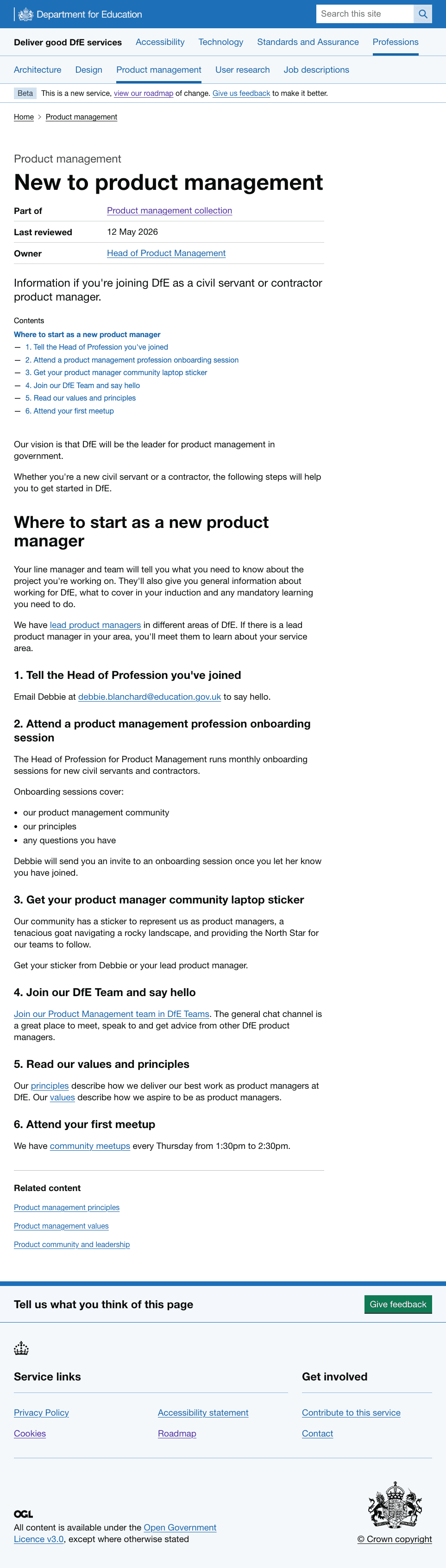
Guidance pages can be a single page or a group of pages about a topic.
A guidance page:
- shows which collection it belongs to, the content owner and last reviewed date
- contains metadata introduction content
- includes a contents list at the top with anchor links, if a single page
- appears in the left-hand navigation within the guide, if multiple pages
- includes navigation to next page at end of the page, if multiple pages
Screengrab of New to product management guidance page:
Other content types and patterns we are using
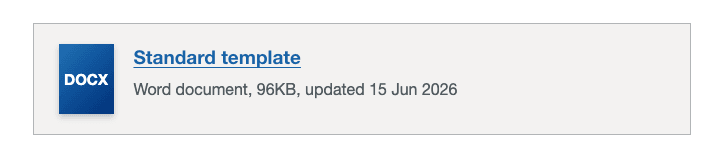
Download pattern
This pattern is used for documents that users need to download.
Download content includes:
- a link to download
- document type
- file size and document details
What's next
We will continue to migrate existing content into the product. You can view our roadmap to see what we’re working on next.
Following our last round of research, we are now tree testing our top level navigation to understand if content is where users expect it to be.
We will also develop a content lifecycle and publishing process for creating, updating and retiring content.
We’re also starting to focus on what-to-do-when guidance that will give delivery teams the whole picture and steps to navigate to design, build and run consistent DfE services.